


How Much Internet Speed Do You Need?
By: Vincent Totino
Read Time: 8 min.
October 08, 2026
How much internet speed a household needs depends on user count, connected devices, and online activities. Standard FCC broadband starts at 100 Mbps download and 20 Mbps upload, which handles basic browsing (10-25 Mbps) and HD streaming or video calls (50-100 Mbps). Multi-user households, remote workers, and online gamers typically require 300 to 500 Mbps, while extensive smart home setups, heavy cloud uploads, and concurrent 4K streams perform best at 500 Mbps to 1 Gbps (Gigabit) speeds, ideally with symmetrical fiber connections to eliminate lag.
A slow Internet connection can disrupt your daily activities, from video chat and Zoom meetings to streaming services and online gaming. If you're experiencing buffering, lag or delays, your WiFi signal may not be providing the sufficient bandwidth you need.
But how much Internet speed do you really need for a seamless Internet experience? That depends on how many devices are connected, your Internet usage and the number of people in your household using the Internet at the same time.
In this article, we’ll help you determine the right Internet speed for your household based on your needs.
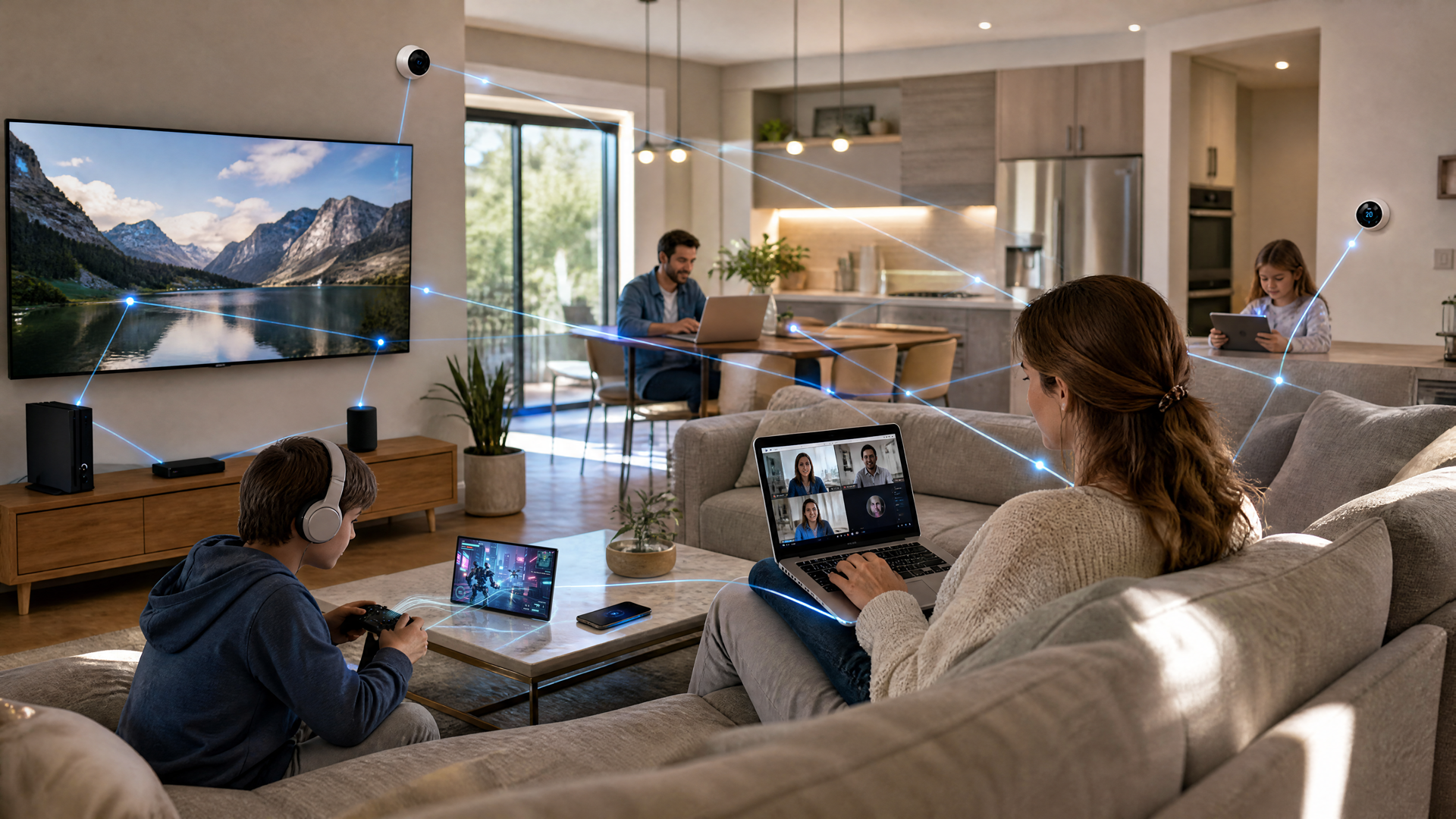
What is a good Internet speed?
Internet speed is measured in megabits per second (Mbps) and refers to the rate at which data is transferred over your broadband connection. The higher the Mbps, the faster your connection.
A good Internet speed depends on how many devices are connected and what online activities you do most frequently.
The Federal Communications Commission (FCC) defines broadband as a minimum of 100Mbps download speed and 20 Mbps upload speed. Today's Internet users need higher speeds for streaming, gaming and working from home.
Here’s a quick breakdown:
- Basic Browsing & Email – 10–25 Mbps
- Streaming Music & Social Media – 25 Mbps
- HD Video Streaming & Video Chat – 50–100 Mbps
- Multiple Laptops & Streaming Services – 100–300 Mbps
- Online Gaming & 4K Streaming – 300–500 Mbps
- Work-from-Home & Large File Uploads – 500+ Mbps
If you connect multiple devices, upgrading to symmetrical speeds (equal upload bandwidth and download bandwidth) may improve your experience.
When do you need more Internet speed?
Even if you have a good Internet speed, certain factors may require slightly faster speeds:
- Multiple users streaming at the same time - If several devices are watching Netflix, playing games or downloading files, you may experience lag. Upgrading to a higher Mbps plan helps ensure consistent speeds.
- Online gaming & low latency requirements - Gamers need low ping and high-speed connections to avoid lag.
- Smart home devices consuming bandwidth - Security cameras, voice assistants and smart TVs can slow down your WiFi signal.
- Frequent video chat or cloud storage use - If you upload a lot of files, faster upload bandwidth ensures seamless performance.
- Remote work and business operations - If you’re working from home and need reliable connections for Zoom calls, cloud collaboration and VPN access, higher speeds prevent disruptions.
Internet speed for a smart home
When it comes time to select an internet plan for your smart home, start by running a speed test. This will give you a baseline for your current internet speed and help you determine if an upgrade is necessary. Then, you can use the information to estimate your needs based on the number of devices and types of activities in your home.
Recommended speeds for basic smart home setup
For homes with minimal smart home devices and standard internet usage, a speed range of 50-100 Mbps is recommended. This will comfortably support:
- A few smart home devices like thermostats, light bulbs and smart speakers.
- HD video streaming on one or two devices.
- Standard web browsing and email use.
- Occasional video calling.
Speeds for a mid-range smart home with streaming and gaming
If your home uses more smart devices or includes activities like 4K streaming and gaming, a faster connection of 200-300 Mbps is ideal. This speed is sufficient for:
- Multiple smart home devices.
- 4K streaming on several screens.
- Online gaming with minimal lag.
- Regular video conferencing.
- Cloud-based security camera systems.
Speeds for complex multi-device smart home with high usage
For households with extensive smart home setups and high internet usage, speeds of 500 Mbps or more are necessary. This ensures smooth performance for:
- A large number of smart home devices.
- Simultaneous 4K video streaming on multiple devices.
- Multiple cloud-connected security cameras.
- Heavy cloud backups.
- Professional work-from-home setups requiring high upload and download speeds.

Source: https://www.fcc.gov/consumers/guides/household-broadband-guide

Source: https://www.fcc.gov/consumers/guides/broadband-speed-guide
Do I need 1 Gig Internet?
Gigabit Internet (1 Gbps or more) is the fastest option available for residential use. While some homes may not need this much speed, gigabit plans are perfect for:
- Large households with multiple users and devices connected simultaneously.
- Content creators and professionals who regularly upload and download large files.
- 4K and 8K streaming on multiple devices without buffering.
- Smart home automation with many connected devices like security cameras, thermostats and voice assistants.
- Future-proofing your home Internet for higher bandwidth demands.
Optimum offers 1 Gig and up to 8 Gig Fiber Internet in select areas, providing symmetrical speeds, low latency and 99.9% network reliability.
How to improve your Internet speed & performance
If you’re experiencing slow speeds despite having a high-speed plan, here are some solutions you can try to improve your performance:
- Run an Internet speed test - Use Optimum’s speed test to check your speed test results and determine if your plan meets your needs.
- Upgrade your router - Older routers may not support faster speeds. Consider getting a WiFi 6 router for better performance.
- Optimize your Wi-Fi setup - Place your router in a central location, avoid interference and use WiFi extenders if needed.
- Use a wired connection - Ethernet cables provide faster, more stable speeds than Wi-Fi.
- Use mesh networking - For larger homes, use a mesh network to eliminate coverage gaps.
- Update prioritization settings - Use your router’s Quality of Service (QoS) feature to prioritize critical devices or applications.
- Reduce background usage - Close unnecessary apps, pause updates and limit multiple devices using bandwidth simultaneously.
The right Internet speed depends on your household size, number of connected devices and online activities. Whether you need basic browsing speeds or Gigabit Internet, choosing the right Internet plan can ensure a smooth, lag-free experience.
With Optimum Internet, you get fast, reliable speeds for work, entertainment and more! Ready to switch to Optimum?
Frequently asked questions
Can Optimum help improve my Internet speed?
Optimum offers various high-speed Internet plans, including Fiber Internet with speeds up to 1 GB and up to 8 GB in certain areas, whether it's for heavy online gaming, streaming or handling multiple devices at once. Optimum also provides advanced solutions like the Smart WiFi 6E extender to help eliminate WiFi dead zones and ensure a strong Internet connection throughout your home.
What are the benefits of Optimum’s Fiber Internet?
Optimum's Fiber Internet provides symmetrical download and upload speeds, which means equally fast speeds for both downloading and uploading content. This is especially beneficial for activities like video conferencing, online gaming and uploading large files. Optimum's fiber network also offers greater reliability and consistency compared to traditional broadband.
Can Optimum help with network congestion?
Optimum's high-speed Internet plans can handle multiple devices and high-bandwidth activities simultaneously while significantly reducing network congestion issues in your home. Additionally, Optimum's advanced network technologies like Hybrid Fiber-Coaxial (HFC) provide robust speed and reliability.
What speeds does Optimum offer for different activities online?
Optimum provides a range of speeds to suit various online activities. An Internet speed of 300 Mbps is sufficient for basic browsing and streaming. Bandwidth-heavy activities such as 4K streaming, online gaming or households with multiple users, Optimum offers speeds up to 1 GB and beyond in certain areas.
Can Optimum ensure low latency for online gaming and streaming?
Optimum's Fiber Internet offers consistently low ping rates and jitter, which are crucial for online gaming and smooth streaming. Optimum provides a high-speed, reliable connection with low latency that ensures an optimal online experience for activities requiring real-time interaction.
What tools does Optimum provide to monitor and optimize Internet performance?
Optimum offers tools like the My Optimum App, which can guide users in optimizing their WiFi setup, including the placement of Smart WiFi extenders for the best possible internet performance and speed throughout the home.
Does Optimum Internet support smart home and IoT devices?
Absolutely. Optimum's high-speed Internet plans are well-suited for homes equipped with smart home and IoT devices. The high bandwidth and reliable connection provided by Optimum ensures these devices function seamlessly, without interfering with the regular Internet usage of the household.
What solutions does Optimum offer for slow Internet speeds?
Customers that experience slow Internet speeds, Optimum suggests running an Internet speed test to diagnose the issue. Depending on the outcome, solutions may include optimizing router placement, limiting background usage, and potentially upgrading to a higher-speed Internet plan.
How much Internet speed do I need for a family of four?
A family of four may only need 300 - 500 Mbps for basic needs, depending on the number of devices connected to the signal. However, if all members of the family are gaming, streaming 4K or on video calls, the higher speed may be ideal.
Is 300 Mbps enough for streaming and gaming?
Yes, 300 Mbps may be fine for streaming and gaming if only a few devices must connect. However, this speed may not be fast enough for numerous devices, 4K streaming or a larger family.
How many Mbps do I need per connected device?
Every activity requires different speed needs. Estimate about 10 - 25 Mbps per device. Video streaming in 4K requires the highest speed, while simpler activities like online browsing may only require 1 Mbps.
How do I know if my smart home devices are causing Internet issues?
If you experience slow or inconsistent internet speeds, it's worth checking the connectivity and performance of your smart home devices. You may need to troubleshoot individual devices or adjust your network setup for better performance.
Frequently Asked Questions (FAQs)
YOU MAY ALSO LIKE

How to Get Affordable Internet: Discounts, Cheap Bundles & Ways to Save
- Read Time: 9 min.
- Internet
- October 29, 2026

Online Safety for Seniors: A Guide to Spotting Scams & Staying Secure
- Read Time: 15 min.
- Internet
- October 29, 2026

Optimum vs. AT&T: Compare Internet speed, pricing and coverage
- Read Time: 8 min.
- Internet
- October 08, 2026