


Comparing Wi-Fi 6, 6E, and Wi-Fi 7: Which Speed Do You Need?
By: Vincent Totino
Read Time: 10 min.
April 09, 2026
The world of wireless connectivity is moving faster than ever. Just as we got comfortable with the reliability of Wi-Fi 6, Wi-Fi 6E expanded the horizon, and now Wi-Fi7* is hitting the mainstream.
If you’re noticing lag during your Zoom calls or buffering while streaming 4K movies, it might not be your Internet plan, it might be your Wi-Fi generation. At Optimum, we believe in powering your home with the best tech available. Here is everything you need to know about the latest Wi-Fi standards and how to choose the right one for your lifestyle.

| Generation | Standard | Year | Key Advantage |
|---|---|---|---|
| Wi-Fi 6 | 802.11ax | 2020 | High capacity for many devices |
| Wi-Fi 6E | 802.11ax (ext.) | 2021 | The "Express Lane" (6 GHz band) |
| Wi-Fi7* | 802.11be | 2024+ | Extreme speed & multi-link reliability |
Wi-Fi 6: The Modern Household Hero
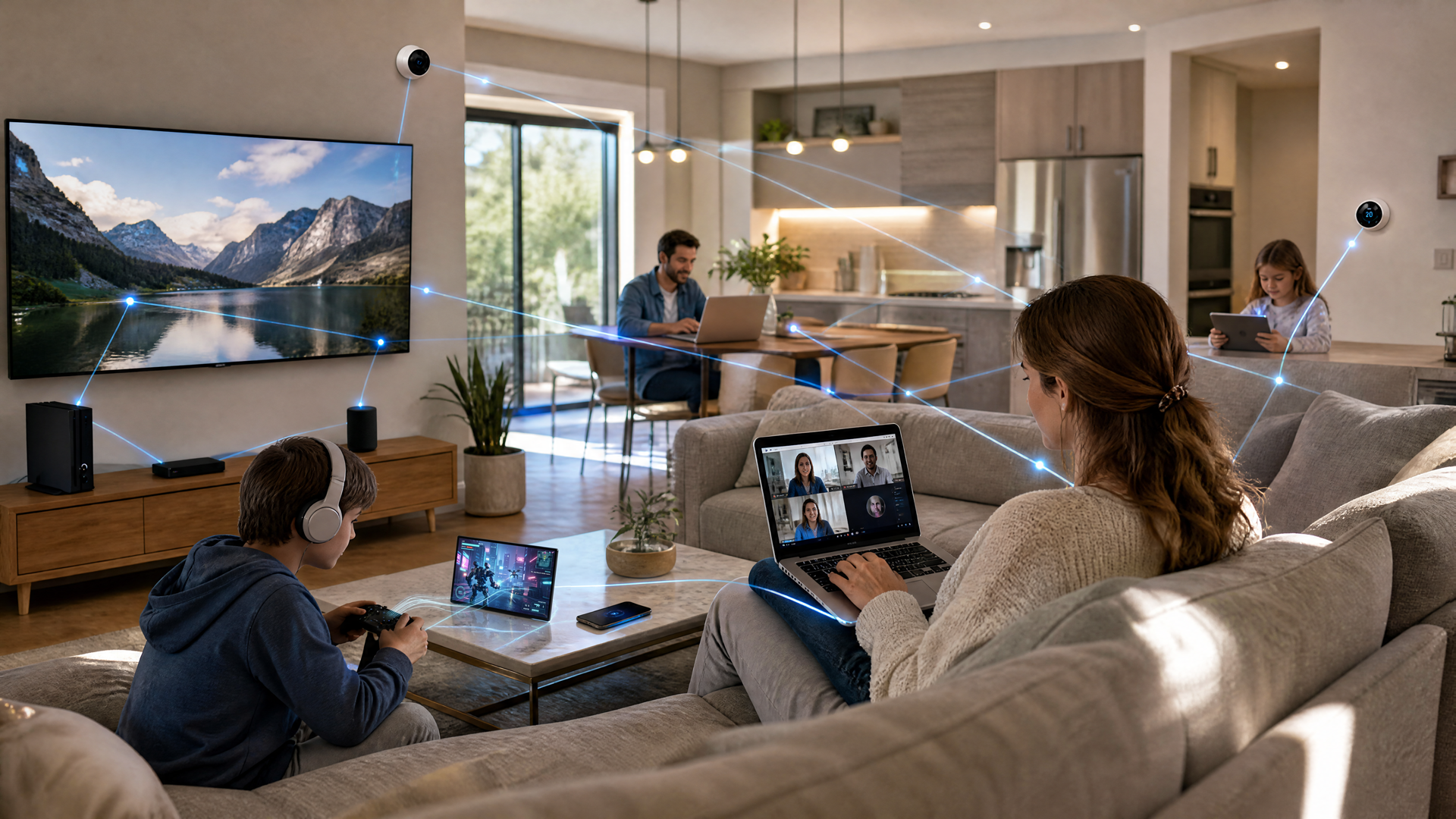
Wi-Fi 6 wasn't just about raw speed; it was about efficiency. In an era where the average home has 20+ connected devices (smart TVs, thermostats, phones, and tablets), older routers would "clog" as they tried to talk to one device at a time.
- OFDMA Tech: This allows your router to talk to multiple devices simultaneously.
- Battery Saver: Its "Target Wake Time" feature helps your smart home sensors stay powered longer by scheduling when they "wake up" to send data.
- Best For: Average sized homes with standard streaming and browsing needs.
Wi-Fi 6E: Opening the "6 GHz" Express Lane
Think of Wi-Fi 6E as a massive highway expansion. While standard Wi-Fi uses the crowded 2.4 GHz and 5 GHz bands (where your neighbor's router and even your microwave cause interference), 6E adds the 6 GHz band.
- Zero Congestion: It’s a brand-new frequency with no legacy traffic.
- Ideal for Gamers: Lower latency means less "ping" during competitive play.
- The Trade-Off: 6 GHz signals are incredibly fast but don't travel through thick walls as easily as lower frequencies.
Wi-Fi7*: The Future of Connectivity (COMING SOON)
Wi-Fi7* is the most significant leap in a decade. While it boasts theoretical speeds up to 46 Gbps, the real win for users is Multi-Link Operation (MLO).
Why MLO is a Gamechanger:
Previously, your phone picked one band (like 5 GHz). If that band got interference, your video dropped. With Wi-Fi7*, your device can connect to multiple bands at once. If one glitches, the other takes over instantly with zero lag.
- 320 MHz Channels: Doubles the data "pipe" width of Wi-Fi 6.
- 4K QAM: Packs 20% more data into every signal transmission for "Ultra-Gig" performance.
Which Generation is Right for You?
| Your User Profile | Recommended Wi-Fi |
|---|---|
| Light Use: Email, social media, small apartment. | Wi-Fi 6 |
| Busy Home: Multiple 4K streams, remote work, smart home tech. | Wi-Fi 6 or 6E |
| Pro User: 8K streaming, VR/AR, competitive gaming, large family. | Wi-Fi 6E or 7 |
| Future-Proof: Want the best tech for the next 5+ years. | Wi-Fi7* |
3 Pro-Tips for a Faster Home Network
- Check Your Hardware: Even if you pay for 1 Gig or 2 Gig speeds from your ISP, an old router will "throttle" that speed. If your router is over 4 years old, it’s time to upgrade.
- Device Compatibility: To see Wi-Fi7* speeds, your phone or laptop must also support Wi-Fi7*. Most flagship devices released in 2025 and 2026 come standard with this tech.
- Location is Everything: No matter the generation, keep your router in a central, elevated position. Avoid hiding it in a cabinet or behind a TV.
Experience the Difference with Optimum
At Optimum, we don't just provide an Internet connection; we provide a smarter home. Our Smart Wi-Fi systems utilize the latest technology to intelligently manage your connections, ensuring every device gets the bandwidth it needs without you lifting a finger.
Ready to boost your home's performance?
Explore Optimum’s High-Speed Internet Plans and Smart Wi-Fi Hardware Today
To help you decide which setup fits your home, here is a direct comparison of how the current Wi-Fi standards stack up against Optimum’s specialized Smart Wi-Fi hardware.
| Feature | Wi-Fi 6 | Wi-Fi 6E | Wi-Fi7* | Optimum Smart Wi-Fi |
|---|---|---|---|---|
| Max Theoretical Speed | 9.6 Gbps | 9.6 Gbps | 46 Gbps | Optimized for your plan (up to 8 Gig) |
| Frequency Bands | 2.4 & 5 GHz | 2.4, 5, & 6 GHz | 2.4, 5, & 6 GHz | Tri-Band Intelligence |
| Channel Width | 160 MHz | 160 MHz | 320 MHz | Automatic Selection |
| Best For | Standard Homes | Busy/Congested Areas | The "Extreme" User | Seamless, Whole-Home Coverage |
| Key Advantage | Handles 20+ devices | No neighbor interference | Multi-Link Stability | Managed Mesh & AI Optimization |
Why Optimum Smart Wi-Fi is the "Strategic" Choice
While buying a retail Wi-Fi7* router is a great way to future-proof, Optimum Smart Wi-Fi offers unique advantages that a standard off-the-shelf router can’t:
- AI-Driven Optimization: Unlike a static router, Optimum’s system constantly scans your environment. If your neighbor’s Wi-Fi starts interfering with your 5 GHz signal, the Smart Wi-Fi system automatically shifts your devices to a cleaner channel without you ever dropping a connection.
- Proactive Mesh Support: For larger homes, Optimum provides Wi-Fi Extenders that work in a "mesh" configuration. This means your phone sees one single network name and switches between the router and extender seamlessly as you walk through the house—no manual switching required.
- Integrated Security: The system includes built-in protection against malware and phishing at the gateway level, protecting every device in your house, even the ones that can’t run antivirus software (like your Smart Fridge or Ring camera).
The Verdict: Do You Need to Upgrade?
Stick with Wi-Fi 6/Optimum Smart Wi-Fi:
If you have a standard family home, stream Netflix in 4K, and use a dozen or so smart devices.
Move to Wi-Fi 6E/7:
If you are a competitive gamer, you live in a dense apartment complex with 50+ visible Wi-Fi networks, or you have a 2 Gig+ Fiber plan and want to use every drop of that speed wirelessly.
To truly benefit from the blazing speeds of Wi-Fi7* or the "Express Lane" of 6E, your devices (phones, laptops, and tablets) must be able to "speak the language." Here is a quick checklist to see if your current tech can keep up with the latest Wi-Fi standards.
The Wi-Fi7* & 6E Device Checklist (2026 Edition)
If you own one of the following flagship devices, you are likely already Wi-Fi7*-Ready:
- Apple: iPhone 16 Pro/Max, iPhone 17 series, and the latest iPad Pro (M4).
- Samsung: Galaxy S24 Ultra, S25 series (S25 Ultra, S25 Edge), S26 series, Z Fold 7, and Flip 7.
- Google: Pixel 9 series and Pixel 10 Pro/XL.
- Laptops: High-end models from 2025/2026 like the ASUS Zenbook DUO (2026), Lenovo Yoga 7/9i, or any laptop featuring Intel Core Ultra or Snapdragon X Elite processors.
Note on MacBooks: As of early 2026, most MacBooks support Wi-Fi 6E. While they can connect to a Wi-Fi7* router, they will utilize 6E speeds until Apple releases a Wi-Fi7*-specific model.
How to Manually Check Your Device
If your device isn't on the list above, follow these steps to find its maximum capability:
On Windows 11/10
- Click the Start button and type cmd.
- Right-click Command Prompt and select Run as Administrator.
- Type this command and hit Enter: netsh wlan show drivers
- Look for the line "Radio types supported."
- 802.11be = Wi-Fi7*
- 802.11ax = Wi-Fi 6 or 6E
- 802.11ac = Wi-Fi 5
On Android
- Go to Settings > Wi-Fi.
- Tap on your Connected Network.
- Look for "Protocol" or "Tech Generation." Most modern Androids will show a small "6," "6E," or "7" next to the Wi-Fi icon at the top of your screen. On iPhone/Mac
On iPhone/Mac
Apple doesn't show the protocol in settings. The best way is to search your specific model on Apple's Support Page and look under "Wireless" in the Technical Specifications.
What if my device is "Old"?
Don't worry, Wi-Fi7* is backward compatible. Your older Wi-Fi 5 or Wi-Fi 6 laptop will still work perfectly with a new Wi-Fi7* router from Optimum. You just won't see the "46 Gbps" speeds until you eventually upgrade your laptop or phone.
*=At present, Optimum currently offers Wi-Fi6 and 6E with Wi-Fi7* technology coming soon! Check back often!
Frequently Asked Questions
What is the difference between Wi-Fi 6, 6E, and Wi-Fi7*?
The primary difference lies in speed, capacity, and frequency bands. Wi-Fi 6 (802.11ax) improved efficiency for multiple devices. Wi-Fi 6E added the exclusive 6 GHz "Express Lane" to reduce interference. Wi-Fi7* (802.11be) introduces Multi-Link Operation (MLO), allowing devices to connect to multiple bands simultaneously for extreme reliability and speeds up to 46 Gbps.
Does Wi-Fi7* work with older devices?
Yes, Wi-Fi7* is backward compatible. While older Wi-Fi 5 or Wi-Fi 6 devices won't reach the maximum theoretical speeds of 46 Gbps, they will still connect and function perfectly with an Optimum Wi-Fi7* router. To experience the full benefits of Wi-Fi7*, your hardware (like the iPhone 16 Pro or Galaxy S25) must also support the 802.11be standard.
Which Wi-Fi generation is best for gaming and 4K streaming?
For competitive gaming and high-bandwidth 4K/8K streaming, Wi-Fi 6E or Wi-Fi7* is recommended. These standards utilize the 6 GHz band, which offers lower latency (less "ping") and zero congestion from older household appliances. Optimum Smart Wi-Fi further enhances this by using AI-driven optimization to automatically shift your gaming console to the cleanest available channel.
Why is my 1 Gig internet slow on Wi-Fi?
If you pay for high-speed fiber but experience lag, your router may be the bottleneck. Routers older than four years often "throttle" modern speeds. Upgrading to an Optimum Smart Wi-Fi system ensures your hardware matches your plan's potential, providing the bandwidth needed for 20+ connected devices without "clogging" the network.
What are the benefits of Optimum Smart Wi-Fi vs. a retail router?
Unlike standard retail routers, Optimum Smart Wi-Fi features:
- AI-Driven Optimization: Constantly scans for interference and switches channels automatically.
- Integrated Security: Gateway-level protection against malware for all devices, including smart home tech.
- Proactive Mesh Support: Seamlessly connects with extenders so you never have to manually switch networks while moving through your home.
How do I know if my device supports Wi-Fi7*?
You can check your device's compatibility by looking for the 802.11be protocol. On Windows, run the command netsh wlan show drivers in the Command Prompt and look at "Radio types supported." Most flagship phones from 2025 and 2026, such as the Samsung Galaxy S25 Ultra and Pixel 10 Pro, come standard with Wi-Fi7*.
Where should I place my router for the best signal?
To maximize the reach of high-frequency bands like 5 GHz and 6 GHz, place your router in a central, elevated position. Avoid hiding it inside cabinets or behind TVs, as thick obstacles can significantly degrade the signal. For larger homes, using Optimum's Managed Mesh extenders provides edge-to-edge coverage.
YOU MAY ALSO LIKE

Optimum vs. AT&T: Compare Internet speed, pricing and coverage
- Read Time: 8 min.
- Internet
- October 08, 2026
How Much Internet Speed Do You Need?
- Read Time: 8 min.
- Internet
- October 08, 2026

How to Find The Best Internet Service Providers (ISPs) In Your Area
- Read Time: 6 min..
- Internet
- October 08, 2026